Less manual handling
Fewer repeated admin actions
Teams stop copying statuses, checking multiple systems and pushing the same task forward by hand.



Operational design for teams that outgrew manual coordination
We design workflows that connect orders, fulfillment, notifications, reporting and back-office processes so your team can move faster with more control.
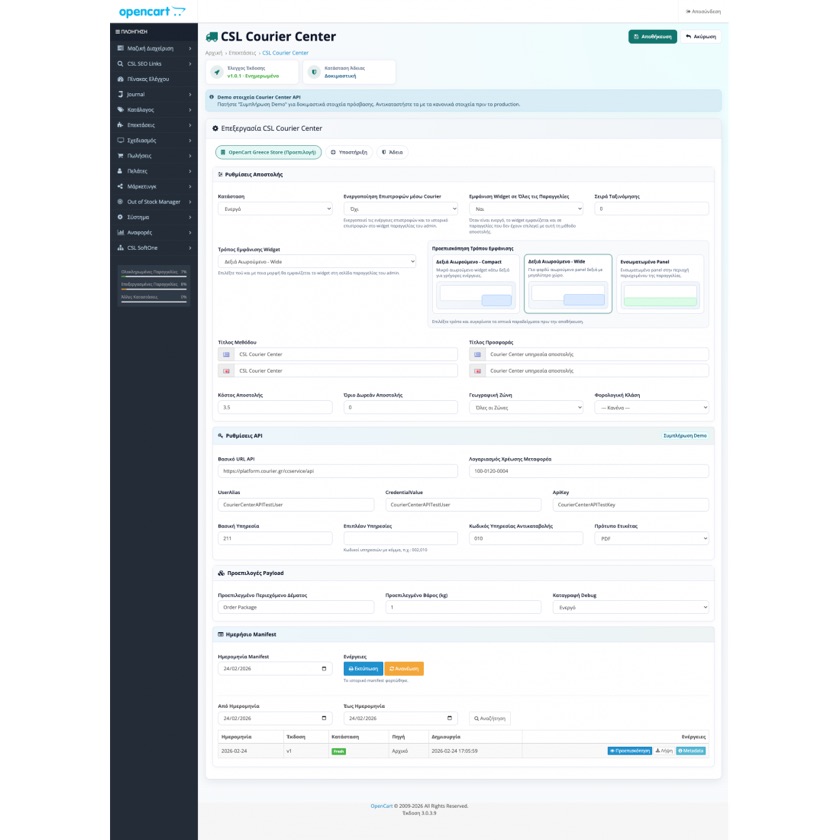
Workflow control surface
We map where automation starts, where approvals stay manual and which statuses need to remain visible across the operation.
Less manual handling
Teams stop copying statuses, checking multiple systems and pushing the same task forward by hand.
Clearer flow
It becomes easier to see which system acts next, where a bottleneck exists and when manual review is still required.
Safer scaling
As channels, orders and exceptions grow, the workflow stays structured instead of turning into ad hoc fixes.
In a smaller operation, many steps can be handled manually. Once order volume, sales channels and internal exceptions increase, those same steps turn into delays, mistakes and lost visibility.
Enterprise automation means organizing that flow with rules, triggers, control points and visibility so the operation no longer depends on workarounds or on someone remembering the next step.
A useful automation project needs both a clean operational sequence and clear intervention points. We design both at the same time.
We do not propose abstract automation. We design flows that match the way your team already operates and where the real friction appears.
Automation should support the operation, not become a black box that hides what is happening or makes intervention harder.
Your team should be able to see where bottlenecks exist, when intervention is needed and what is slowing the flow down.
We design flows that can handle more volume, more channels and more complexity without increasing manual friction.
These solutions are built around the real flow of the business rather than around isolated technical components.
Automatic order routing, process rules, exception handling and clear task allocation across each stage of the flow.
Batch shipping actions, voucher generation, status updates and synchronization with courier or warehouse processes.
Customer or team notifications, approval steps and operational triggers when something needs review.
Internal dashboards and reports that reveal bottlenecks, backlog, response times and areas that need improvement.
The goal is not only fewer manual steps, but clear control of the workflow from end to end.
We design the flow around which system emits the event, which data moves through the process, which rules decide the next step and where your team needs visibility or intervention points.
That way the automation does not behave like a black box. It remains observable, extensible and adaptable as internal processes and business needs evolve.
We map the current flow, bottlenecks, manual steps and the points where mistakes or delays usually occur.
We define which events trigger actions, which rules apply and where human review still needs to remain in the loop.
We connect the store, marketplaces, ERP, couriers and back-office tools into one coherent operational sequence.
We build the integrations, schedulers, internal controls and logic required for the workflow to run correctly.
We test both the happy path and failure cases so the automation can survive exceptions, delays and backlog situations.
We measure outcomes, identify friction points and continue with tuning or new automation steps where needed.
Not necessarily. It is mainly for teams with complex operational flows, multiple systems or growing order volume that need less manual handling in order to run smoothly.
Yes. Many projects begin with one critical bottleneck, such as shipping or order-status synchronization, and then expand into a broader automation scope once the value is proven.
We can first help map the workflow and define the rules. In many cases that is a necessary step before technical implementation should even begin.
Yes. Very often the most useful result is not automation on its own, but automation combined with dashboards, queues or internal tools that keep the team in control.
Yes. Automation projects usually evolve in phases, so we can continue with tuning, support and new steps as the operation changes.
Tell us where your team struggles today and we will help you organize workflows that reduce friction and improve control.